Integrating the Halloween Skeleton 3D Mug Wrap Bundle into Your Sublimation Workflow
For creators and small business owners operating in the print-on-demand or custom merchandise space, seasonal trends dictate a significant portion of annual revenue. The period leading up to Halloween represents one of the most lucrative windows for personalized goods, particularly drinkware. However, capitalizing on this demand requires more than just having a printer; it demands efficient asset management and high-quality design resources. This is where a specialized resource like the Halloween Skeleton 3D Mug Wrap Bundle becomes an essential component of a streamlined production pipeline. By integrating pre-designed, high-resolution assets into your workflow, you reduce the time spent on initial concept creation and focus instead on execution, quality control, and market distribution.
Understanding the Asset Structure and Technical Specifications
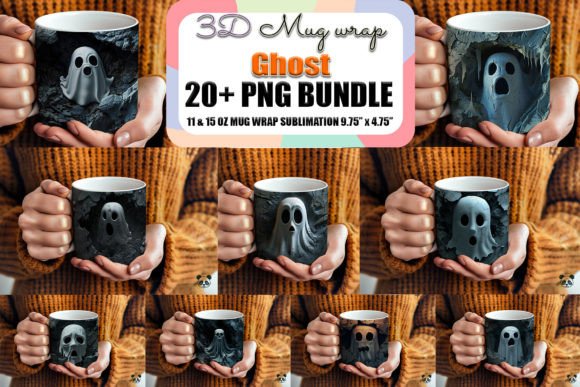
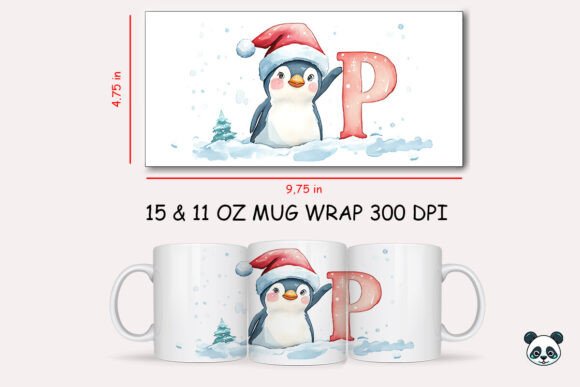
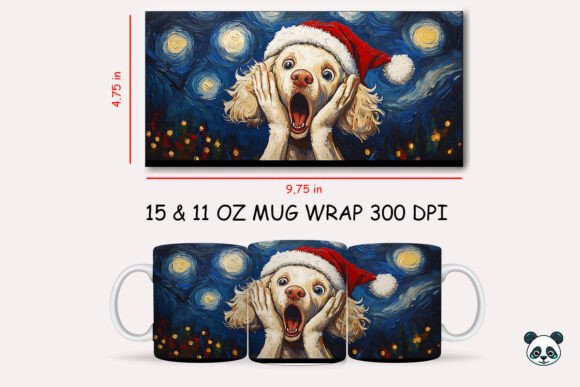
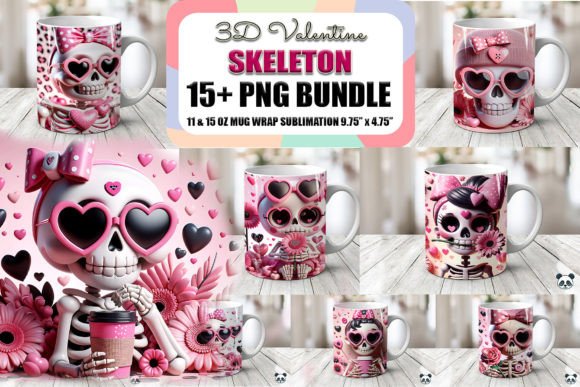
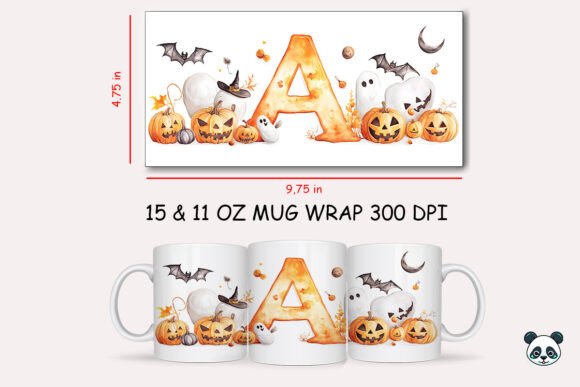
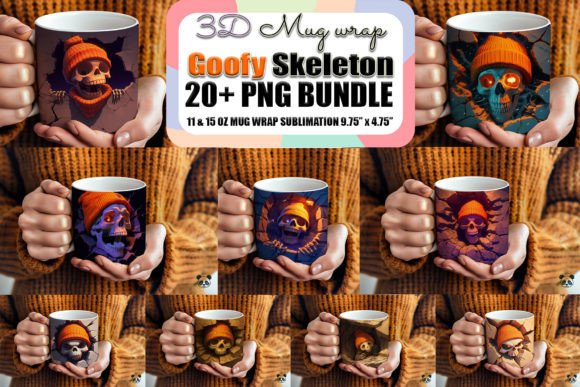
Before implementing any digital asset into a commercial workflow, it is critical to understand its technical parameters. The Halloween Skeleton 3D Mug Wrap Bundle is not merely a collection of images; it is a structured set of sublimation-ready files designed for specific hardware and software environments. The bundle typically includes twenty PNG files, each sized at approximately 9.75 inches by 4.75 inches at 300 DPI (dots per inch). These dimensions are standardized for standard 11-ounce ceramic mugs, ensuring that the design wraps correctly around the curvature of the cup without excessive stretching or misalignment.
The choice of PNG format with a transparent background is deliberate and crucial for sublimation printing. Unlike JPEGs, which carry a white background that can interfere with the final print if not meticulously masked, PNGs allow for seamless layering. This transparency enables designers to place the skeleton artwork over different base colors or combine it with other sublimation clipart and text elements without visible borders or artifacts. Furthermore, the 300 DPI resolution ensures that when the image is printed onto sublimation paper and transferred to the mug, the lines remain crisp, and the gradients smooth, avoiding the pixelation that plagues lower-resolution downloads.
It is important to note what this bundle is not. These are raster images, not vector files. They are not SVGs and cannot be used directly with cutting machines like Cricut or Silhouette for vinyl decals. Understanding this distinction prevents workflow bottlenecks. If your business model relies on vinyl cutting, this asset is incompatible. However, for sublimation printing, which relies on heat to infuse dye into polymer-coated surfaces, these high-resolution raster files are the industry standard.
Pre-Production: Preparation and File Organization
Efficiency in custom mug production begins long before the heat press is turned on. The first step in utilizing the Halloween Skeleton 3D Mug Wrap Bundle is proper file organization. Upon downloading the ZIP file, extract the contents into a dedicated folder within your digital asset management system. Labeling files clearly—for example, "Skeleton_Wrap_01.png" through "Skeleton_Wrap_20.png"—allows for quick retrieval during high-volume order periods.
Compatibility checks are equally vital. Ensure that your design editing software, such as Adobe Photoshop, Illustrator, Canva, or Affinity Designer, supports high-resolution PNG imports. While the files are ready to use, most professional workflows involve some level of customization. You may need to add customer names, adjust color balances to match your brand palette, or combine multiple mug wrap illustrations to create a unique composite design. Having a template layer in your design software that matches the 9.75 x 4.75-inch dimensions can serve as a guide, ensuring that critical design elements do not fall into the "dead zone" near the handle or the bottom rim of the mug.
Design Integration and Customization Strategies
The true value of a sublimation bundle lies in its versatility. While the skeleton designs are complete artworks, they serve best as foundational elements in a broader custom mug design strategy. For instance, you might use the transparent background feature to overlay the skeleton graphic onto a textured background or integrate it with typography that highlights a humorous Halloween quote. This approach transforms a generic asset into a personalized mug offering that stands out in a crowded marketplace.
When working with 3D mug design concepts, consider the visual impact of the wrap around the cylindrical form. A design that looks flat on a screen may appear distorted when wrapped. Use the mockup features in your design software to visualize the final product. Adjust the positioning of the skeleton’s key features—such as the face or central motif—to align with the front center of the mug. This attention to detail enhances the perceived quality of the final product and reduces the likelihood of customer complaints regarding misaligned prints.
Additionally, these assets can be repurposed across different product lines. While optimized for mugs, the high-resolution mug wrap PNG files can often be scaled down for use on coasters, ornaments, or even t-shirt transfers, provided the aspect ratio is maintained and the resolution remains sufficient for the smaller print area. This cross-utilization maximizes the return on investment for the digital download.
Production Execution: Printing and Heat Transfer
Once the design is finalized, the process moves to physical production. The quality of the final sublimation mug depends heavily on the calibration of your printer and heat press. Use high-quality sublimation ink and paper to ensure vibrant color reproduction. When printing the printable mug wrap, mirror the image horizontally. This step is frequently overlooked but is essential for correct orientation after transfer.
Secure the printed wrap tightly around the mug using heat-resistant tape. Wrinkles or gaps between the paper and the mug surface will result in blurred lines or white streaks in the final image. Set your heat press to the recommended temperature and time, typically around 380°F for 180 seconds, though this varies by equipment and mug coating. Consistency in pressure and temperature is key to achieving uniform results across multiple units.
After pressing, allow the mug to cool before removing the paper. Inspect each unit for quality control. Check for color accuracy, alignment, and any defects in the sublimation coating. This stage is where the preparation paid off; because the Halloween Skeleton 3D Mug Wrap Bundle provided high-quality, correctly sized assets, the variable of design error is minimized, allowing you to focus on mechanical precision.
Business Workflow and Market Positioning
From a business perspective, integrating pre-made assets like this bundle allows for scalability. Instead of spending hours creating original artwork for every seasonal trend, you can allocate those resources to marketing, customer service, and order fulfillment. The digital mug wrap model supports a just-in-time production approach, reducing inventory risk. You only print what is ordered, keeping overhead low.
Moreover, offering custom design mug options using these templates can increase average order value. Customers appreciate the ability to add personal touches, such as names or dates, to professional-grade designs. By positioning your products as premium, personalized items rather than generic merchandise, you can command higher prices and build brand loyalty.
Finally, consider the long-term utility of the purchase. While themed for Halloween, the structural quality of the mug wrap template and the artistic style of the skeletons can inspire future designs. Analyze which designs perform best, gather customer feedback, and use these insights to refine your selection of assets for the next season. This iterative process, supported by reliable digital resources, forms the backbone of a sustainable creative business.
In conclusion, the Halloween Skeleton 3D Mug Wrap Bundle is more than a collection of graphics; it is a tool for operational efficiency. By understanding its technical specifications, integrating it into a organized design workflow, and executing precise production methods, creators can leverage seasonal trends effectively. The focus shifts from struggling with design creation to mastering the craft of sublimation, resulting in higher quality products and a more resilient business model.