Elevate Your Holiday Crafts with the Christmas Letter C Mug Wrap Sublimation
The holiday season brings a surge of creativity for crafters and small business owners alike, and few projects are as rewarding as creating personalized drinkware. Among the trending designs this year, the Christmas Letter C Mug Wrap Sublimation stands out as a versatile choice for monogramming gifts or building a cohesive product line. Whether you are a seasoned professional running an Etsy shop or a hobbyist looking to make unique presents for family, understanding the nuances of 3D mug wrap design is crucial for achieving professional results. This guide explores what makes these digital assets valuable and, more importantly, how to avoid common pitfalls that can ruin an otherwise perfect project.
Understanding the Digital Asset
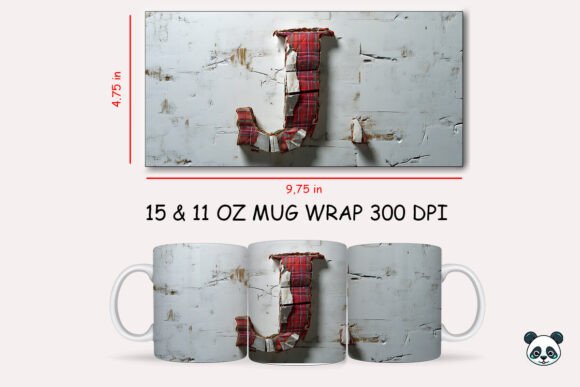
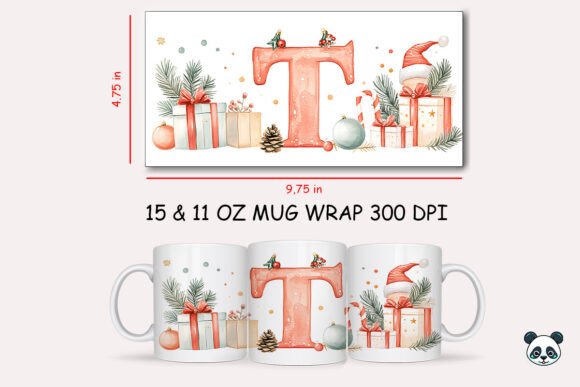
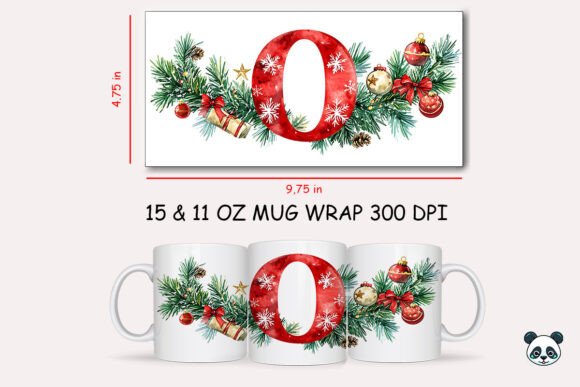
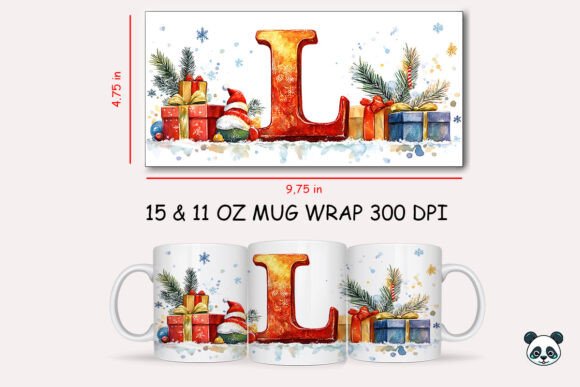
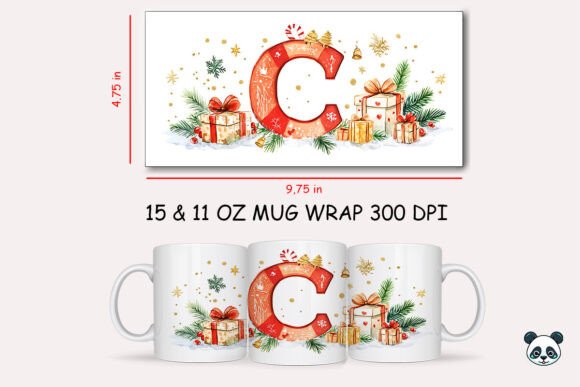
When you purchase a Christmas Letter C Mug Wrap Sublimation file, you are acquiring a high-resolution digital image specifically formatted for heat transfer printing. Typically, these files come in a ZIP archive containing a PNG file sized at approximately 9.75 inches by 4.75 inches with a resolution of 300 DPI. This specific dimension is engineered to fit standard 11oz conical mugs, accounting for the slight curvature and the necessary overlap.
The appeal of using a pre-made mug wrap template lies in efficiency. Instead of designing a festive background from scratch, you can focus on customization. However, a frequent misunderstanding arises regarding file formats. These downloads are raster images (PNG or JPG), not vector files like SVG. This distinction is vital: while they are perfect for sublimation printing, they cannot be used with cutting machines like Cricut or Silhouette for vinyl applications. Attempting to use them as cut files will lead to frustration and wasted materials.
Common Mistakes and How to Avoid Them
Even with high-quality sublimation graphics, the final product depends entirely on the user's workflow. Many creators overlook critical steps in the preparation and application phases, leading to dull colors, misaligned designs, or ghosting. Here are the most significant errors to watch out for and how to correct them.
Ignoring Printer Color Profiles
One of the most disappointing outcomes in sublimation printing is receiving a print that looks vibrant on the screen but muddy on the mug. This often happens when users skip ICC profile management. Sublimation ink behaves differently than standard office ink; it turns into gas under heat and bonds with polymer coatings. If your printer is set to "Standard" or "Photo Paper" instead of a dedicated sublimation profile, your Christmas Letter C Mug Wrap Sublimation design may lose its crispness and color accuracy.
The Fix: Always ensure your printer settings match your specific ink and paper combination. Use the ICC profile provided by your ink manufacturer. Before committing to a full batch, print a test strip on sublimation paper and press it onto a scrap piece of coated material to verify color saturation.
Misjudging the Wrap Size and Alignment
While the provided digital mug wrap is sized at 9.75 x 4.75 inches, not all mugs are created equal. Some "11oz" mugs have slightly different circumferences or taper angles. A common mistake is assuming the design will fit perfectly without adjustment. If the wrap is too tight, the edges won't meet, leaving a white gap. If it overlaps too much, the design distorts around the curve.
The Fix: Measure your specific blank mugs before printing. Most design software allows you to scale the image slightly. It is better to have a tiny overlap that gets hidden in the seam than a gap that exposes the white ceramic. When applying the mug wrap clipart, ensure the "Letter C" focal point is centered on the front face of the mug, not buried in the side seam where the handle sits.
Overlooking Heat Press Variables
The 3D sublimation effect relies heavily on consistent heat and pressure. A frequent error involves uneven pressure distribution, especially if you are using a mug press with worn-out silicone wraps or an oven method without proper tension. This can cause parts of the mug artwork to appear faded or blurred, particularly around the edges of the letter design.
The Fix: Inspect your heating element and silicone wrap regularly. Ensure the mug is clean and free of dust or oils before wrapping. When securing the sublimation paper with heat-resistant tape, pull it taut but do not stretch the paper itself. For best results, follow the time and temperature recommendations for your specific blank supplier, as coating thickness varies between brands.
Maximizing the Value of Your Download
To get the most out of your sublimation bundle or individual digital download, consider how you integrate it into a broader product strategy. The Christmas Letter C Mug Wrap Sublimation is not just a single image; it is a component of a larger mug wrap collection potential. By pairing this design with complementary elements—such as matching coasters, ornaments, or tote bags featuring the same typography style—you create a cohesive gift set that appeals to customers looking for personalized holiday collections.
Furthermore, remember that these files feature a transparent background. This allows you to layer the letter "C" over different background textures within your editing software. You might place the letter over a plaid pattern, a snowy landscape, or a solid color block to create variety without needing multiple purchases. This flexibility is ideal for custom mug design requests where clients want specific color schemes.
Checklist Before You Print
Before you hit the print button, run through this quick checklist to ensure quality and satisfaction:
- File Verification: Unzip the file immediately after purchase and open the PNG in your design software to confirm the resolution is 300 DPI.
- Mirror Image: Remember to mirror (flip horizontally) your design before printing. Sublimation transfers reverse upon heating; failing to mirror will result in a backward letter "C".
- Blank Compatibility: Confirm your mugs are polyester-coated and rated for sublimation. Ceramic mugs without this coating will not accept the ink.
- Software Readiness: Ensure you have a program capable of handling PNG files with transparency, such as Photoshop, Illustrator, Canva, or Silhouette Studio.
- Inventory Check: Verify you have enough sublimation paper and ink. Reprinting due to a paper jam or low ink can disrupt the color consistency across a batch.
Final Thoughts on Customization
Creating a personalized mug is about more than just transferring ink; it is about delivering a thoughtful, high-quality item that brings joy. The Christmas Letter C Mug Wrap Sublimation offers a fantastic foundation for this, but the execution determines the success. By paying attention to color profiles, sizing nuances, and heat press techniques, you transform a simple digital art file into a cherished keepsake.
Whether you are producing these for a local craft fair or fulfilling online orders, treating each step of the process with care ensures your custom design mug stands out in a crowded market. Avoid the temptation to rush the setup phase; the extra minutes spent calibrating your printer and measuring your blanks save hours of rework and material waste. With the right approach, your sublimation printing design efforts will yield professional, vibrant results that capture the spirit of the season.